نص حلقة: How to Get Ahead of 99% of People (with AI)
Dan Martell2025-08-22
How to Get Ahead of 99% of People (with AI)
Overview
Topic: ChatGPT hacks and prompt engineering strategies to increase productivity and get ahead using AI.
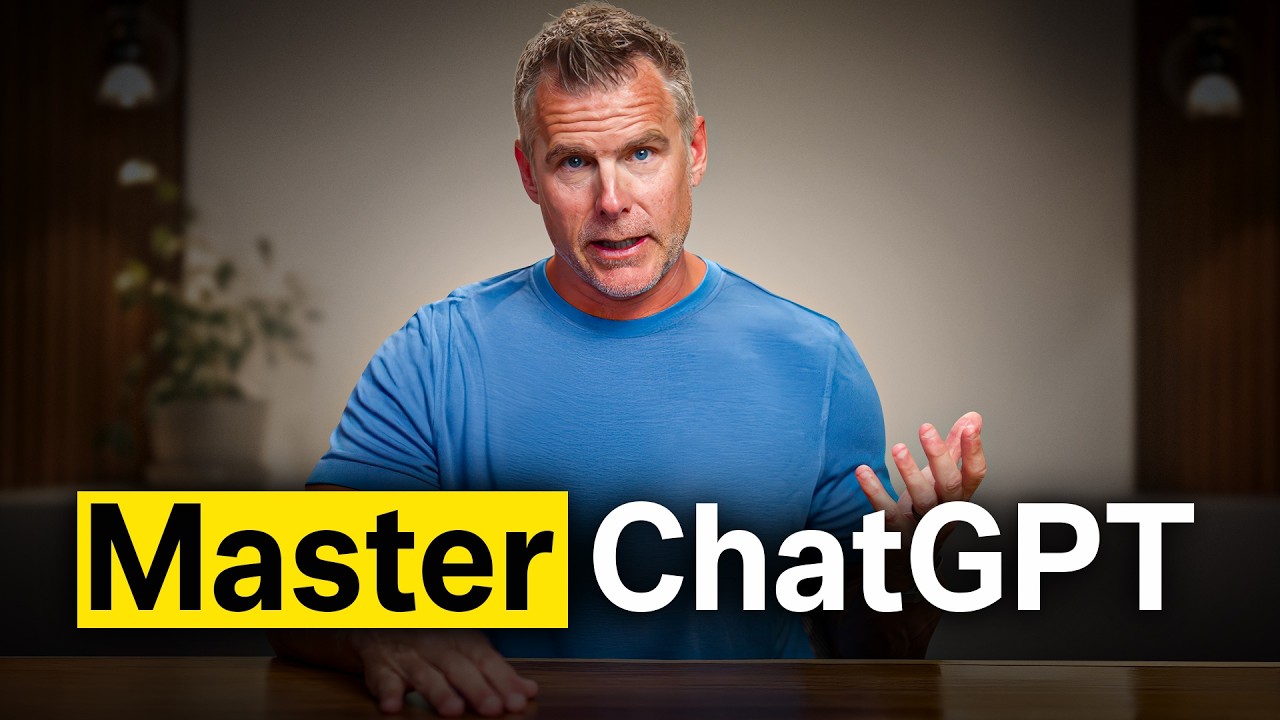
Dan Martell shares seven powerful ChatGPT hacks to help users get ahead of 99% of people using AI. He covers the importance of a ChatGPT Pro account, creating master prompts to establish personal context, using system prompts to define AI behavior, organizing work with project folders, editing directly within canvases, setting up custom instructions for default formatting, and building custom GPTs for repeatable tasks. Throughout the video, Dan demonstrates practical examples of how to implement these hacks to streamline workflows and save time.
Minute by Minute (21)
[00:00 - 01:00] Introduction and ChatGPT Pro
Dan Martell introduces the concept of getting ahead of 99% of people using AI by mastering prompts. He introduces the first hack: getting a ChatGPT Pro account.
[01:00 - 02:00] Hack 2: Master Prompts
Dan explains the second hack, which is creating a master prompt that acts as a comprehensive document of your preferences and context.
[02:00 - 03:00] Creating a Master Prompt
Dan demonstrates how to use voice-to-text to feed personal and business context into ChatGPT to generate a master prompt, which can then be saved as a PDF.
[03:00 - 04:00] Hack 3: System Prompts
Dan introduces the third hack: system prompts. He explains how system prompts define the behavior of the AI, whereas master prompts define the user's role.
[04:00 - 05:00] Refining Output with Canvases
Dan explains how to refine AI output using a canvas and then ask ChatGPT to write the system prompt that would have generated that specific output from the start.
[05:00 - 06:00] Prompts as Intellectual Property
Dan emphasizes that prompts will become the core intellectual property of future businesses and shows how to generate system prompts step-by-step.
[06:00 - 07:00] Threatening AI and Project Folders
Dan shares a humorous tip about threatening the AI for better results, backed by a clip of Google's co-founder, and introduces Hack 4: Project Folders.
[07:00 - 08:00] Using Project Folders
Dan explains how project folders keep all relevant context and documents in one place, using his experience of buying a house in Cabo as an example.
[08:00 - 09:00] Setting Up Project Folders
Dan demonstrates how to set up a project folder in ChatGPT, upload a master prompt, and add specific instructions or files.
[09:00 - 10:00] Hack 5: Edit in Canvases
Dan introduces Hack 5: editing in canvases. He describes canvases as a Google Doc interface built directly inside ChatGPT.
[10:00 - 11:00] The Power of Canvases
Dan explains how canvases allow users to make direct edits and refine specific sections of text without forcing the AI to rewrite the entire document.
[11:00 - 12:00] Canvas Demonstration
Dan demonstrates using voice-to-text to draft an email to his creative director, Sam, and saving the output directly into a canvas.
[12:00 - 13:00] Direct Editing in Canvas
Dan shows how to add bullet points, adjust reading levels, and make manual text edits directly inside the canvas interface.
[13:00 - 14:00] Generating System Prompts from Canvas
Dan demonstrates how to ask ChatGPT to write a detailed system prompt based on the finalized canvas output to replicate the style in the future.
[14:00 - 15:00] Hack 6: Custom Instructions
Dan introduces Hack 6: Custom Instructions, which allow users to set default formatting, tone, and style preferences across all chats.
[15:00 - 16:00] Configuring Custom Instructions
Dan shows where to find and configure custom instructions on the ChatGPT desktop app, and suggests using AI to help write them.
[16:00 - 17:00] Hack 7: Create Custom GPTs
Dan introduces the final hack: creating Custom GPTs. He compares them to persistent assistants that can perform specific, repeatable tasks.
[17:00 - 18:00] Custom GPT Examples
Dan explains how custom GPTs can be shared with teams and demonstrates using a custom 'Book Architect' GPT to outline a book on 'Time' by Rob Dyrdek.
[18:00 - 19:00] Modeling Public Figures
Dan discusses how he has built custom GPTs modeled after public figures like Gary Vaynerchuk and Sara Blakely to assist with business and parenting decisions.
[19:00 - 20:00] Building and Sharing Custom GPTs
Dan demonstrates how to configure, name, and share a custom GPT, noting that some creators are monetizing these tools on the GPT Store.
[20:00 - 21:02] Conclusion and Habit Stacking
Dan concludes by encouraging viewers to build a 'habit stack' by integrating AI into their daily routines to truly master the technology.
Broadcaster Questions (1)
[10:37] How do I get it to go back?
Context: Dan discusses the frustration of ChatGPT completely rewriting a document when you ask for a minor tone change, and wanting to revert to the original state.
Full video: Watch on YouTube